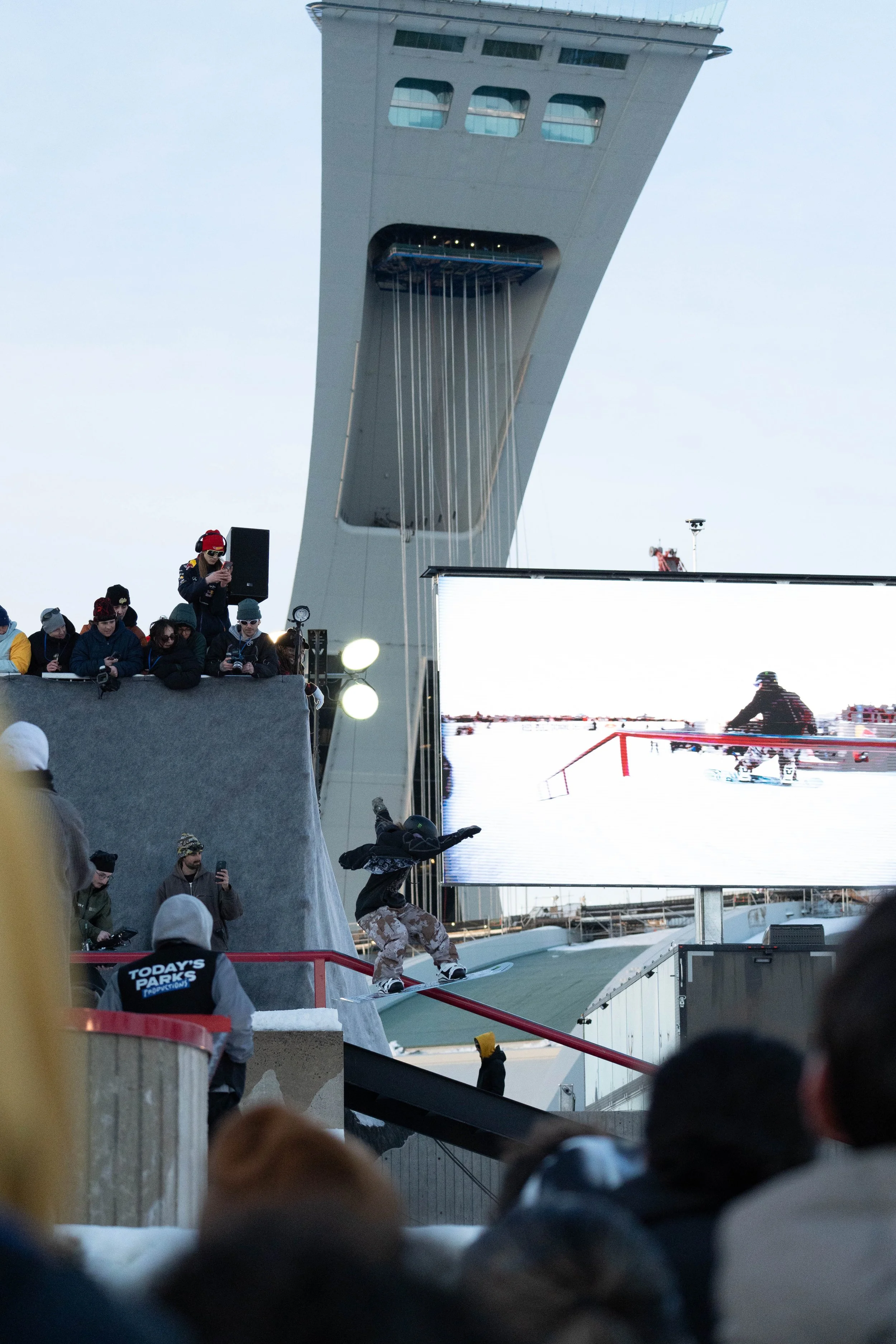
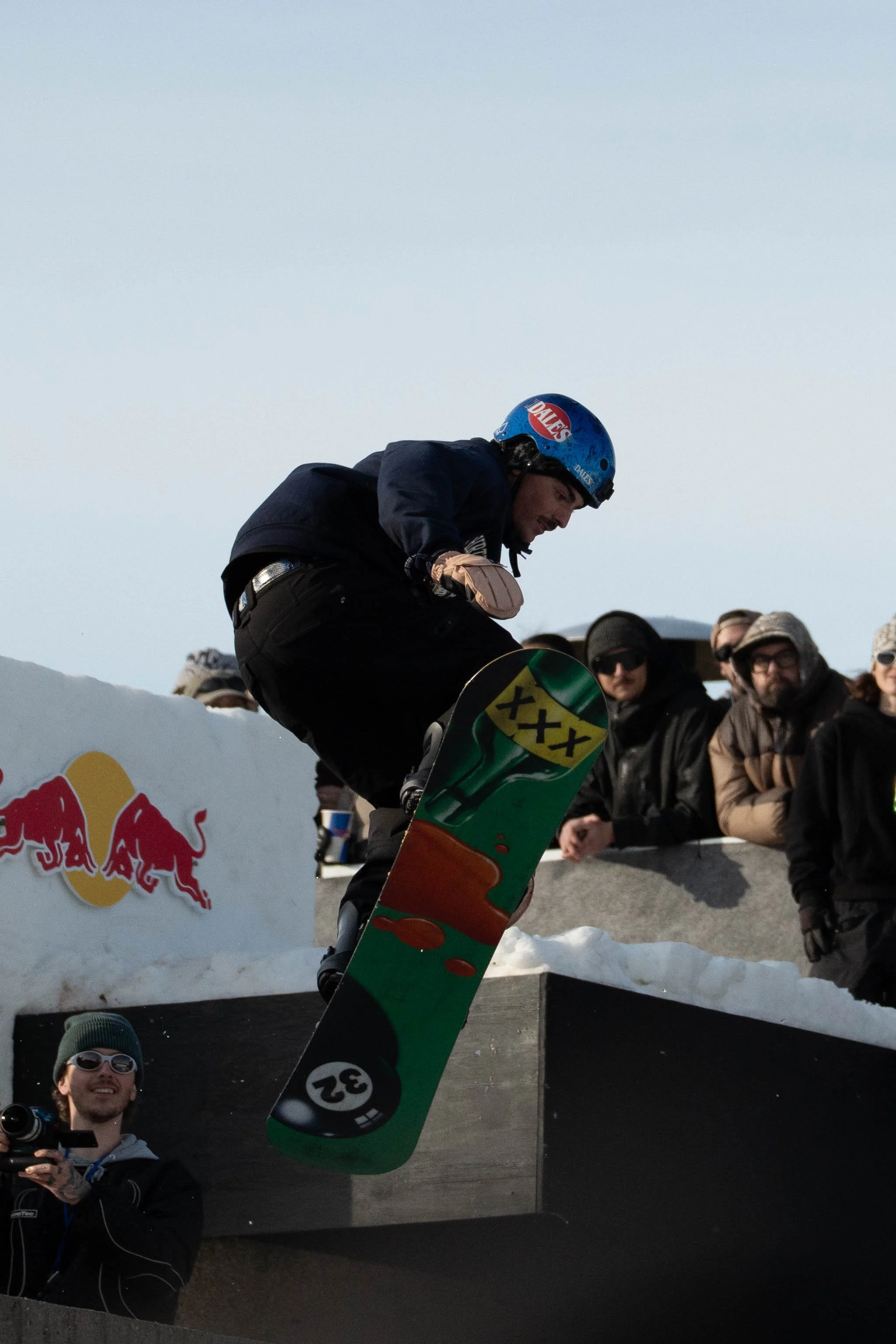
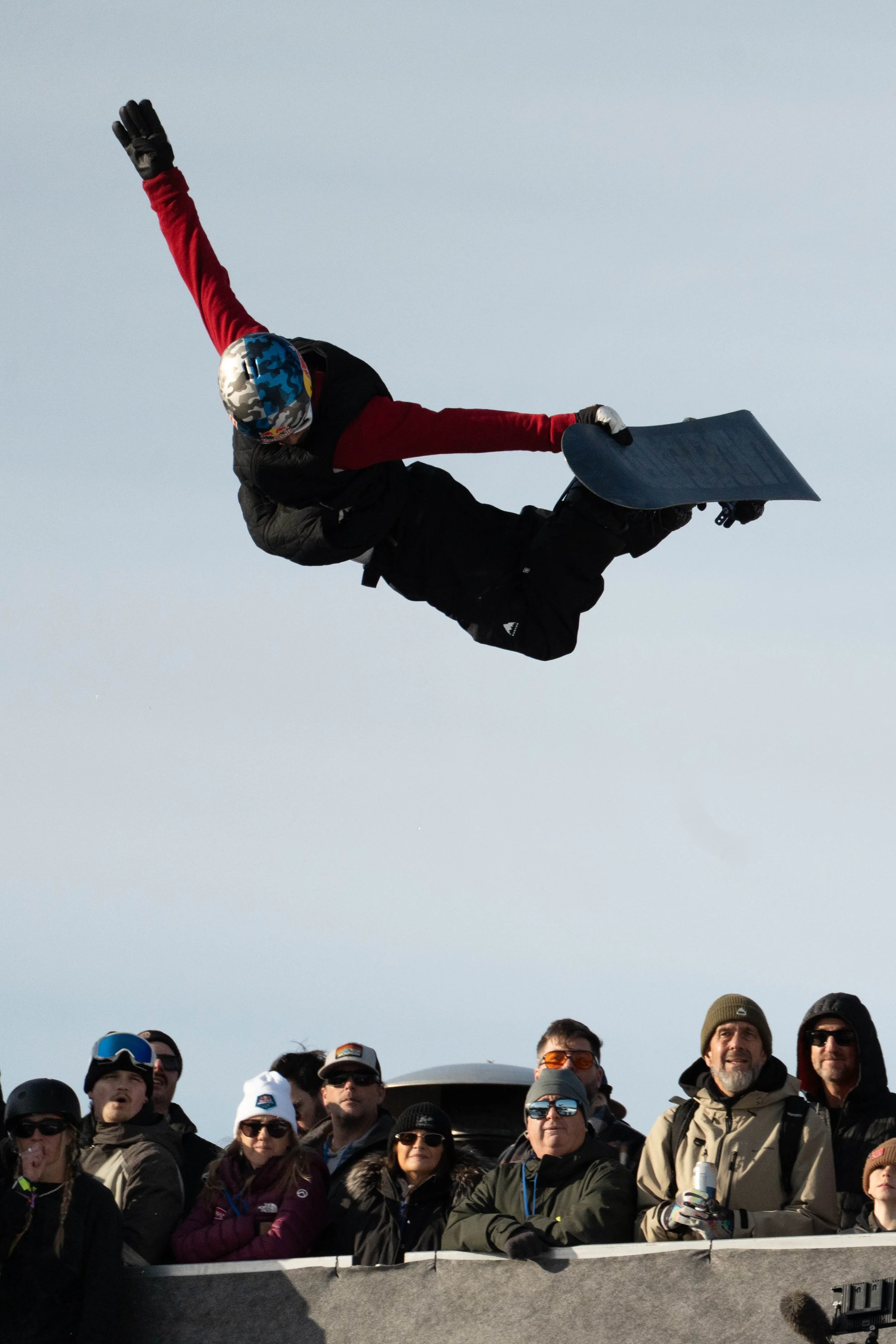
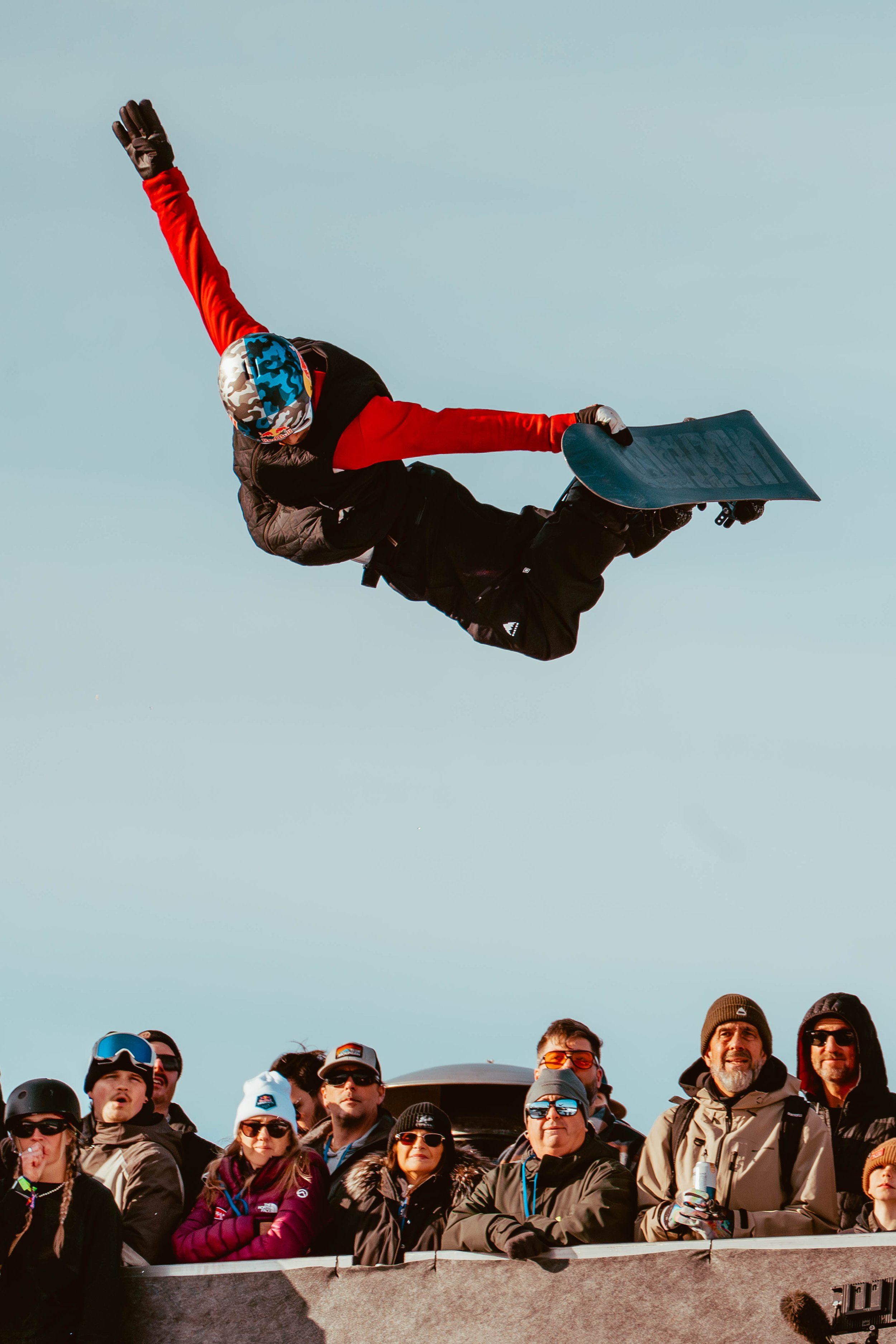
 Image 1 of 1
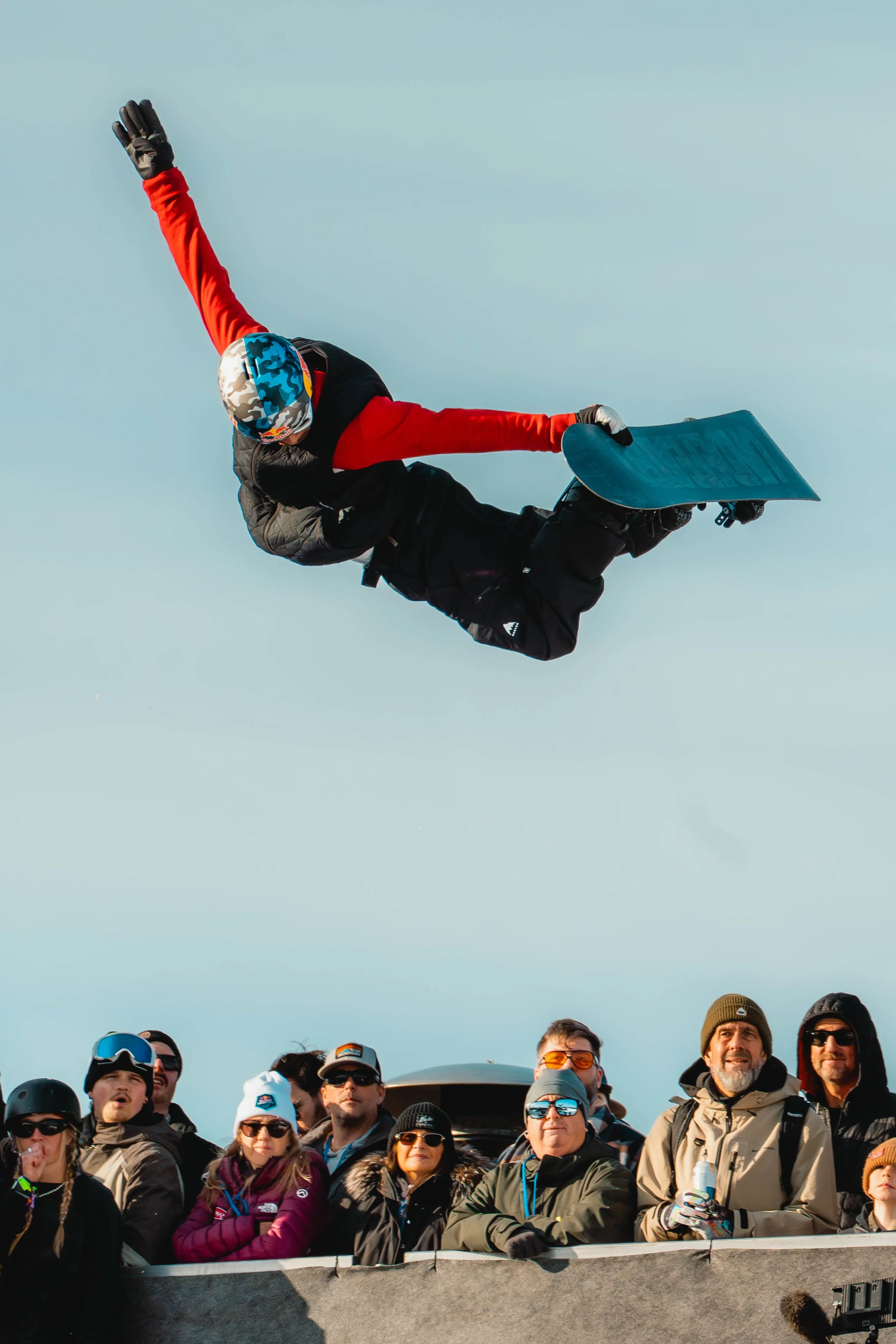
SPORTS PRESETS VOL. 1
Including:
Golden Hour
Fly
Pink Sunset
Presets for Adobe Lightroom (Classic, Mobile, Standard)
Downloadables: GoldenHour.xmp Fly.xmp PinkSunset.xmp
How To Install:
Download the presets
Uncompress .Zip file
Open Lightroom
Go in the “Develop” tab located at the top right
Press the “+” button next to Presets located on the left navigator tab
Select “Import preset”
Select the presets .xmp files and press “import”
Tips:
Make sure you correct the white balance using the eyedrop tool.
Adjust exposure, contrast, highlights, shadows, whites and blacks.
Mask your subject and increase exposure & contrast.
Mask your background and lower exposure and highlights.
Including:
Golden Hour
Fly
Pink Sunset
Compatible with Lightroom, Lightroom Classic, Lightroom Mobile and all softwares supporting .xmp files.
Downloadables:
GoldenHour.xmp Fly.xmp PinkSunset.xmp
How To Install:
Download the preset files and save them into a folder
Open Lightroom and go to the “Develop” tab
In the navigator tab (left), press the “+” button next to Preset
Select “Import Preset”
Select the preset files you previously downloaded and press “import”